Click the paperclip icon in the query bar to upload relevant source files, contracts, or imagery. Files can also be pasted or dragged directly into the chat area.
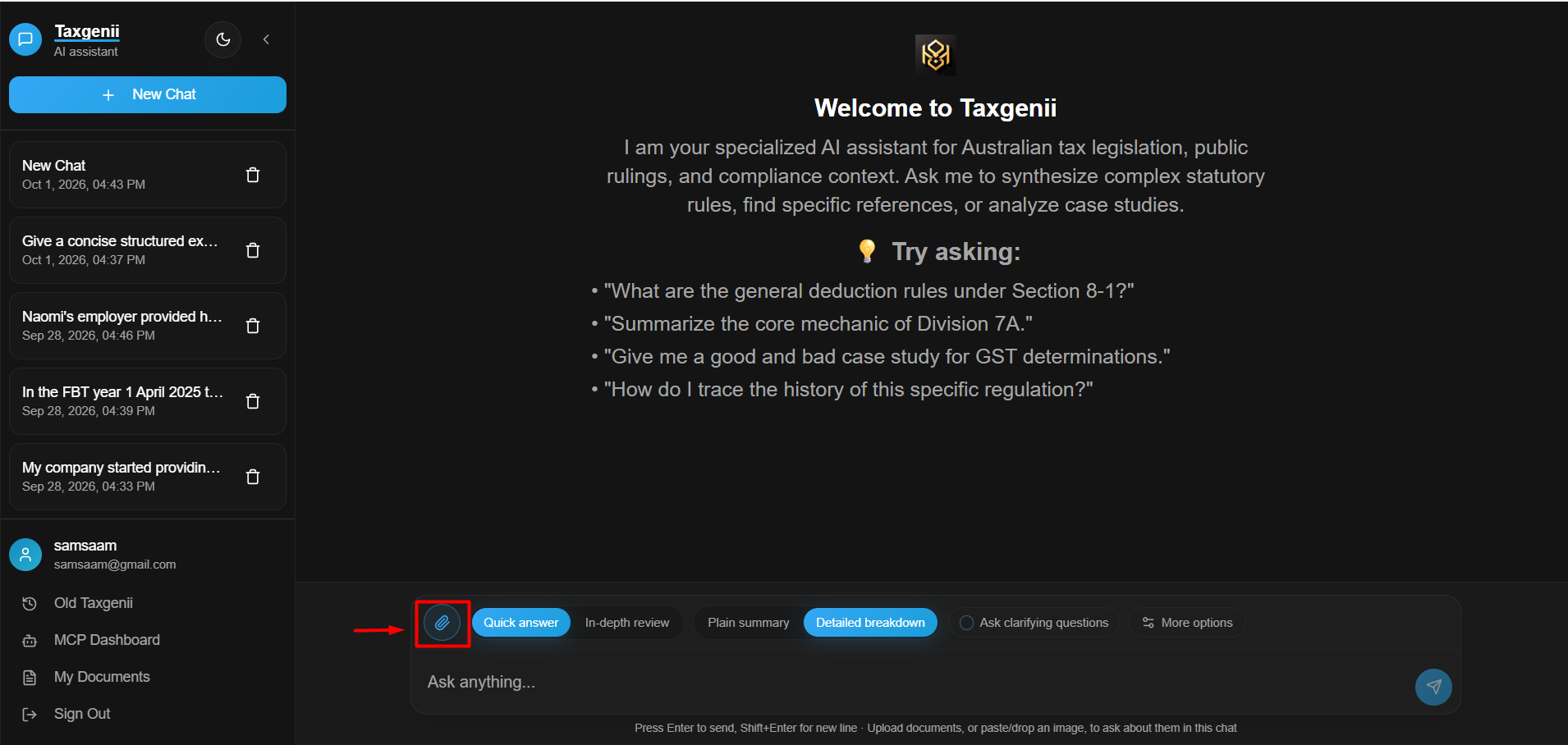
Pair attached documents with targeted prompts (e.g., requesting a comparison of terms or financial extraction). Confirm file processing completion before analyzing results.
The My Documents section catalogues active uploaded files alongside processing statuses and associated conversation threads for full auditability.
Was this article helpful?
That’s Great!
Thank you for your feedback
Sorry! We couldn't be helpful
Thank you for your feedback
Feedback sent
We appreciate your effort and will try to fix the article